 Dropmatico: Designed, built, and launched solo – with AI as my team
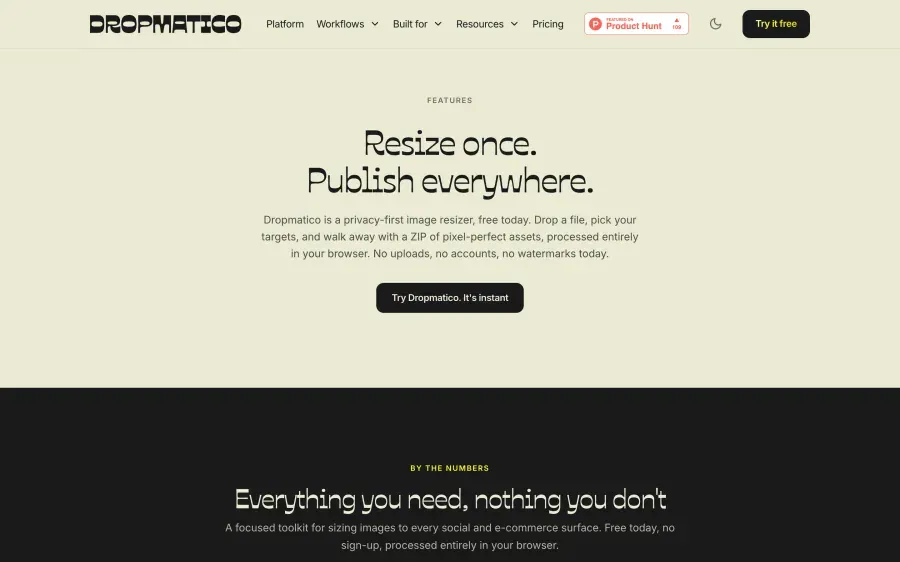
Dropmatico is an image resizer that already knows the spec for 34 platforms – and your images never leave the browser. I made every part of it on my own: brand, product, code, content, and launch.
Launch results
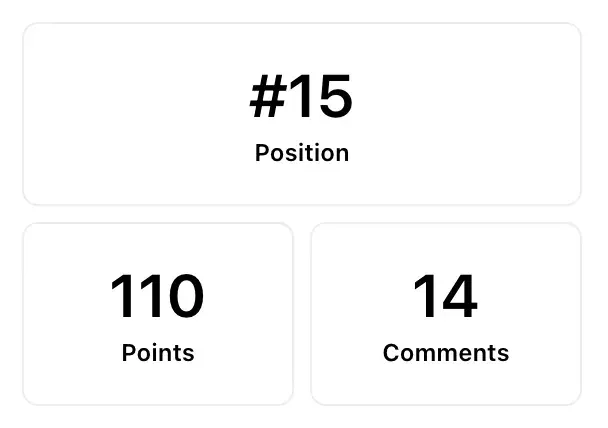
- Day Rank on Product Hunt
- #15
- Points on launch day
- 110
- Comments on the launch
- 14
- Impressions on the LinkedIn announcement
- 1,567
No paid promotion.Product Hunt (opens in a new tab)LinkedIn post (opens in a new tab)
Built with
- Claude Code
- Claude Cowork
- Claude (chat)
- Figma Weave
- and other AI tools


InstagramInstagram story1080×1920 
PinterestPinterest pin1000×1500 
InstagramInstagram portrait1080×1350 
InstagramInstagram square1080×1080
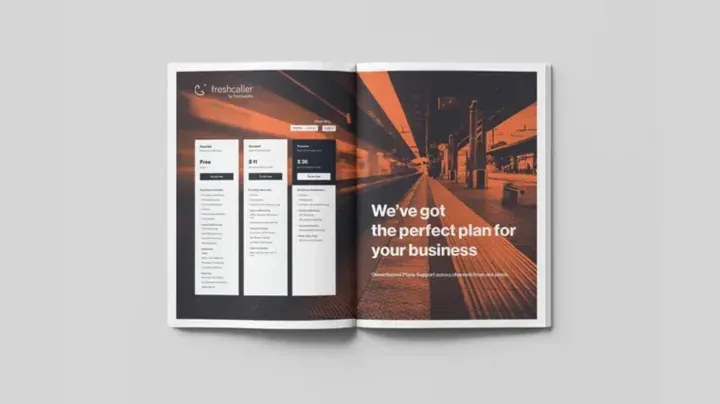
SubstackSubstack header1456×816 
YouTubeYouTube thumbnail1280×720 
LinkedInLinkedIn post1200×627 
XX header1500×500
01The problem
Every image had a second job: resizing
One visual had to become an Instagram portrait, a story, a LinkedIn post, an X header, and a YouTube thumbnail – then a marketplace listing with rules of its own. Every export was another chance to get a dimension wrong, and the tools that helped either wanted my files on their servers or made me look up every spec myself.
The resize ritual
Nine specs for one image
| Platform and preset | Preset | Size | Ratio |
|---|---|---|---|
| InstagramPortrait | 1080×1350 | 4:5 | |
| InstagramStories / Reels | 1080×1920 | 9:16 | |
| LinkedInPersonal banner | 1584×396 | 4:1 | |
| X (Twitter)Header | 1500×500 | 3:1 | |
| YouTubeThumbnail | 1280×720 | 16:9 | |
| PinterestStandard pin | 1000×1500 | 2:3 | |
| AmazonProduct listing | 2000×2000 | 1:1 | |
| MyntraHigh-res zoom | 3000×3000 | 1:1 | |
| OunassProduct shot | 2000×2500 | 4:5 |
Repeat for the next image.
The idea
Pick the destination. Skip the spec.
You tell Dropmatico where an image is going. It already knows the size, the ratio, and the treatment.
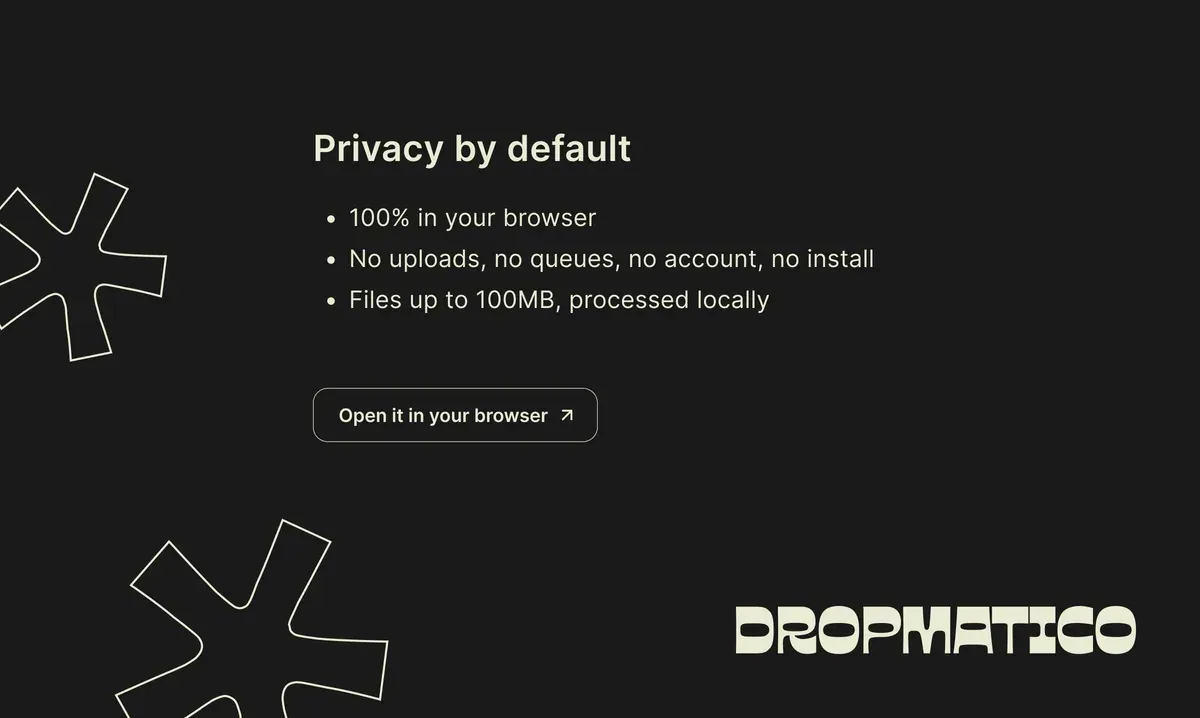
One rule from the first version: your images never leave the browser.
How the privacy model works (opens in a new tab)
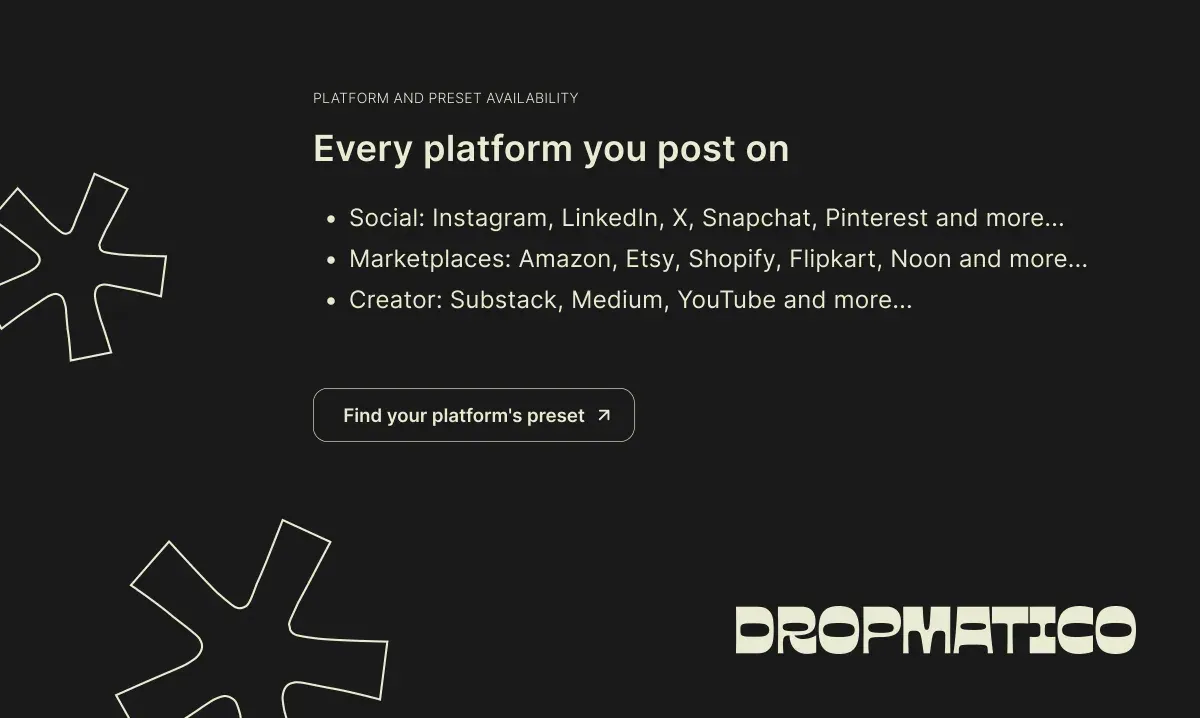
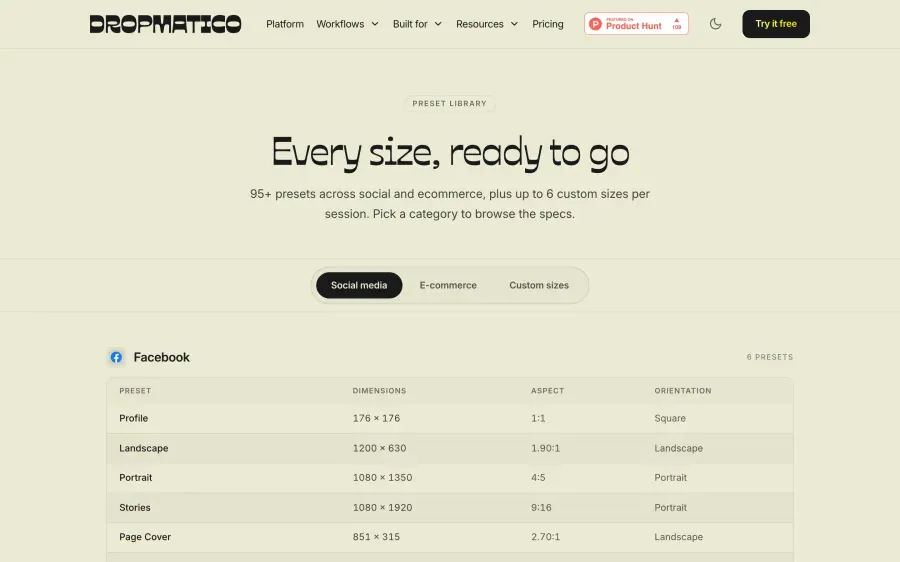
34 platforms, 95 presets, already measured
Each platform and its preset count, as listed in the app.
Social and creative, 15 platforms
- Facebook6 presets
- Instagram6 presets
- X (Twitter)4 presets
- LinkedIn7 presets
- TikTok2 presets
- Pinterest3 presets
- Threads4 presets
- Snapchat4 presets
- YouTube3 presets
- Behance4 presets
- Dribbble3 presets
- Vimeo4 presets
- Medium3 presets
- Substack4 presets
- Notion2 presets
E-commerce, 19 platforms
- WhatsApp3 presets
- Google Business3 presets
- Amazon3 presets
- Shopify3 presets
- Etsy4 presets
- eBay3 presets
- Walmart1 preset
- Wayfair1 preset
- Target Plus1 preset
- AliExpress2 presets
- Shopee2 presets
- Mercado Libre1 preset
- Myntra2 presets
- Flipkart1 preset
- Meesho1 preset
- Ajio1 preset
- Snapdeal2 presets
- Ounass1 preset
- Noon1 preset
02My role
One person, every role
There was no team to hand anything to. Each of these was my job, and each one left something you can open today.
Product design
Two engines, live platform previews, per-output edits, mobile, and dark mode.
Open the app (opens in a new tab)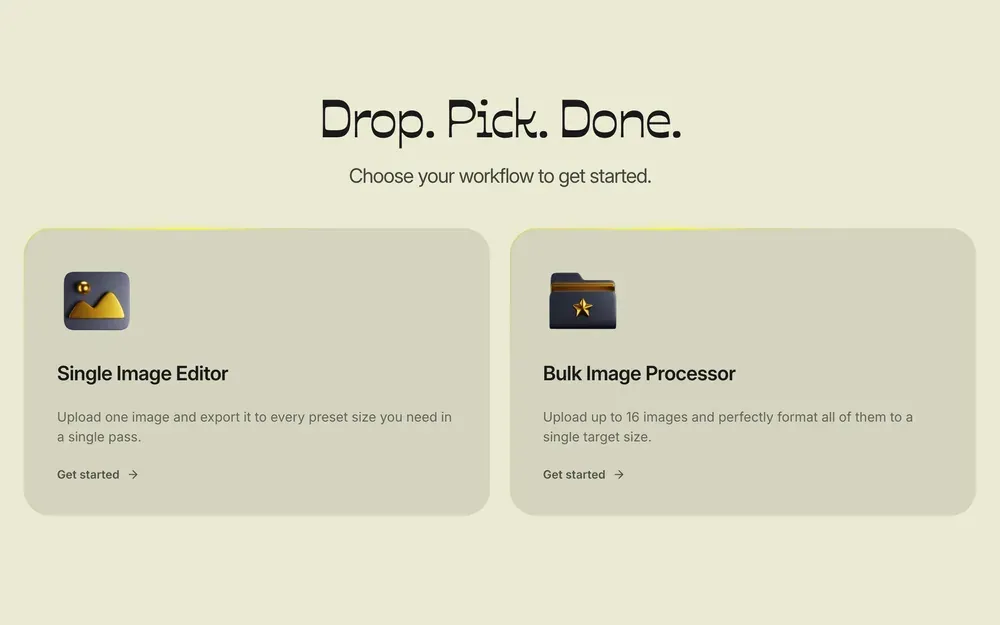
Brand design
The wordmark, palette, type, mascot, and the brand guidelines.
See the brand page (opens in a new tab)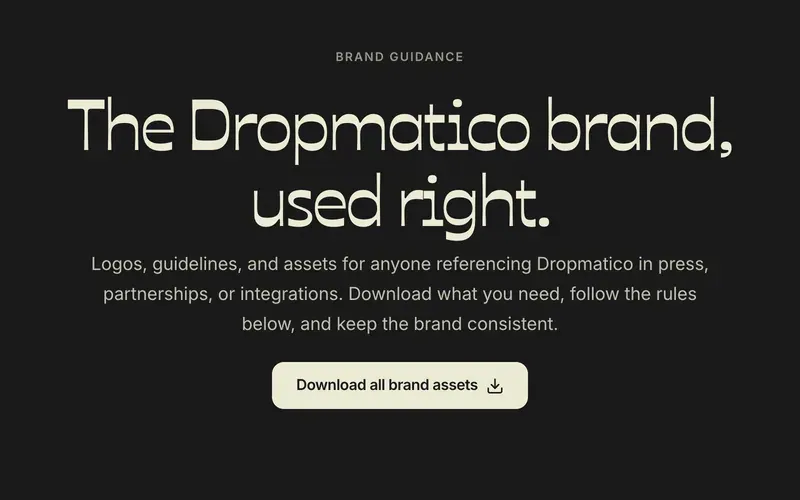
UX research
Measuring every platform’s image specs, comparing 20 tools head to head, and listening to users.
Browse the presets (opens in a new tab)- Etsy,1200×160Mini shop banner
- eBay,1280×290Store billboard
- Amazon,3000×600Storefront hero banner
- Ajio,1117×1400Standard product image
7 sizes haven’t been adjusted
- Wait, I’ll check
- Ok, continue
- Your line-up is looking good.
- Maximum 16 sizes reached.
Front end
A canvas editor for crop, rotate, filters, and backgrounds that runs entirely in the browser.
Try the editor (opens in a new tab)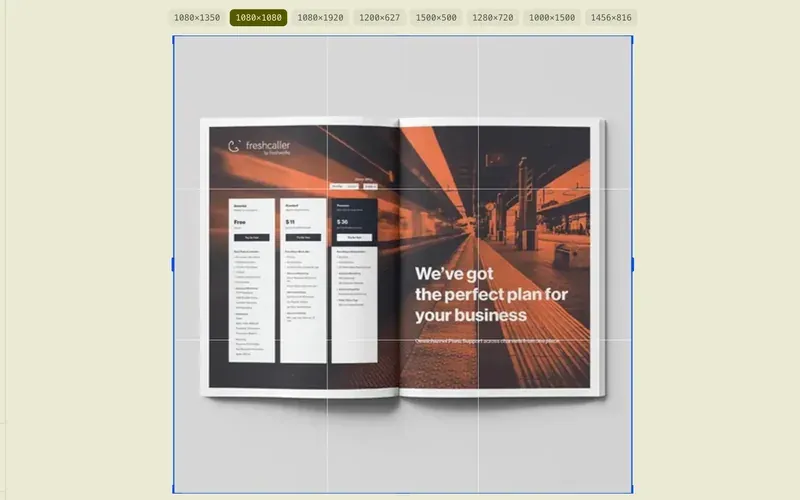
Back end
An architecture that needs almost none: static hosting, prerendered pages, and no image servers.
See how it works (opens in a new tab)Your browserReadEditCompressZipYour images: never sentThe serverStatic pagesMarketing site
Homepage, features, pricing, security, and how-it-works pages.
Visit the site (opens in a new tab)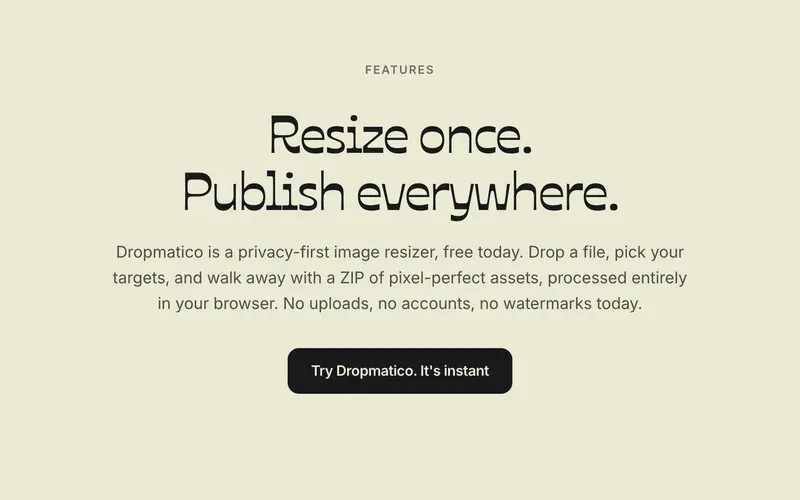
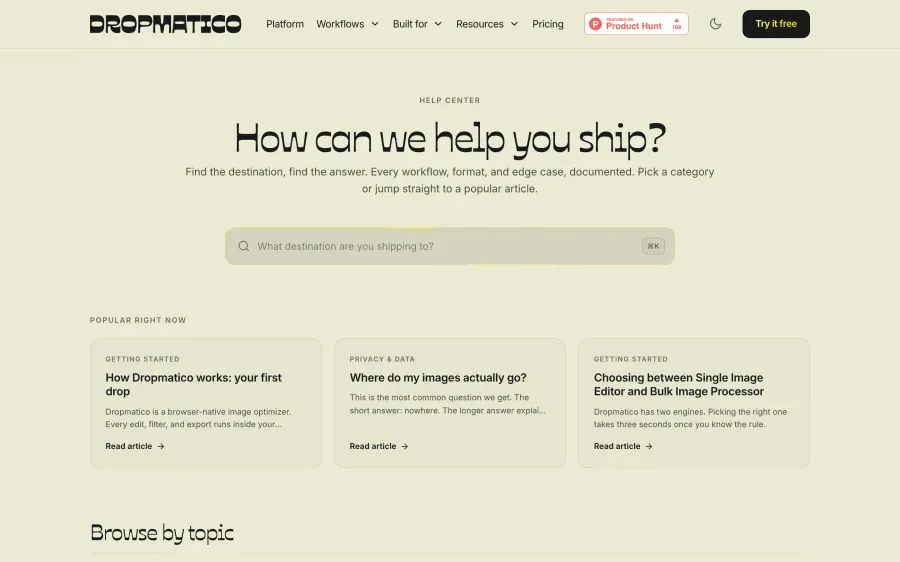
Blog and help center
17 blog posts and 17 help articles: guides, benchmarks, and release notes.
Read the blog (opens in a new tab)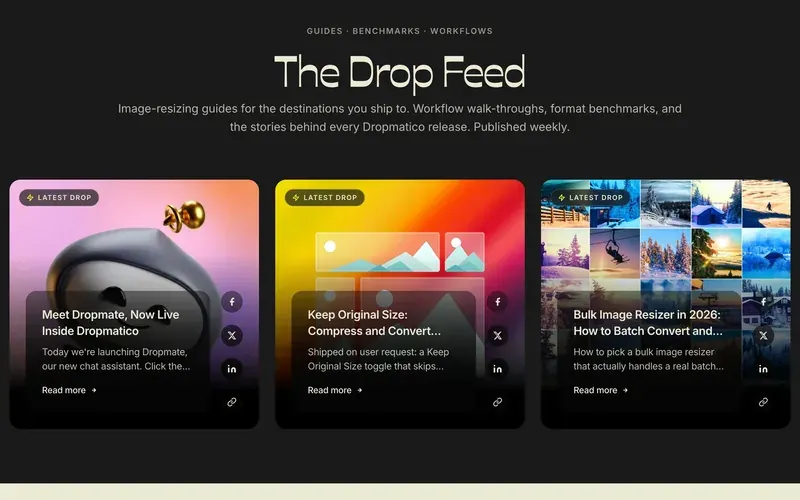
SEO and AI search
99 URLs, structured data, an llms.txt file, and a robots.txt that welcomes AI crawlers by name.
See a comparison page (opens in a new tab)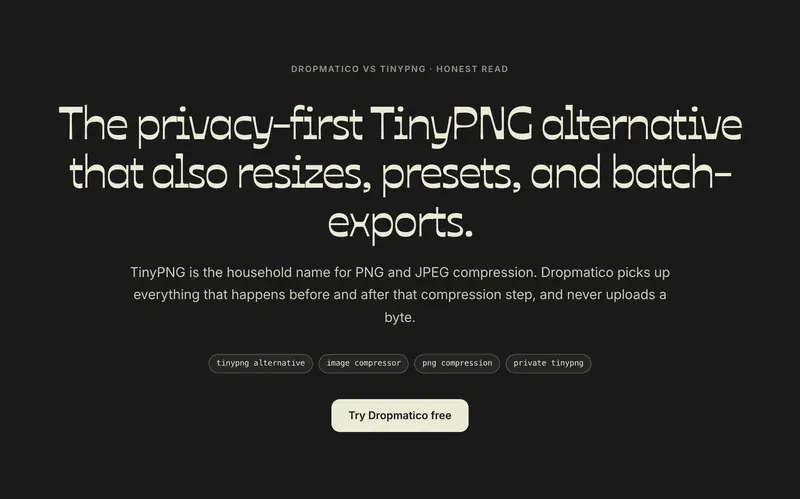
Launch
The LinkedIn announcement, the Product Hunt page, launch graphics, a launch video, and the launch-day replies.
See the launch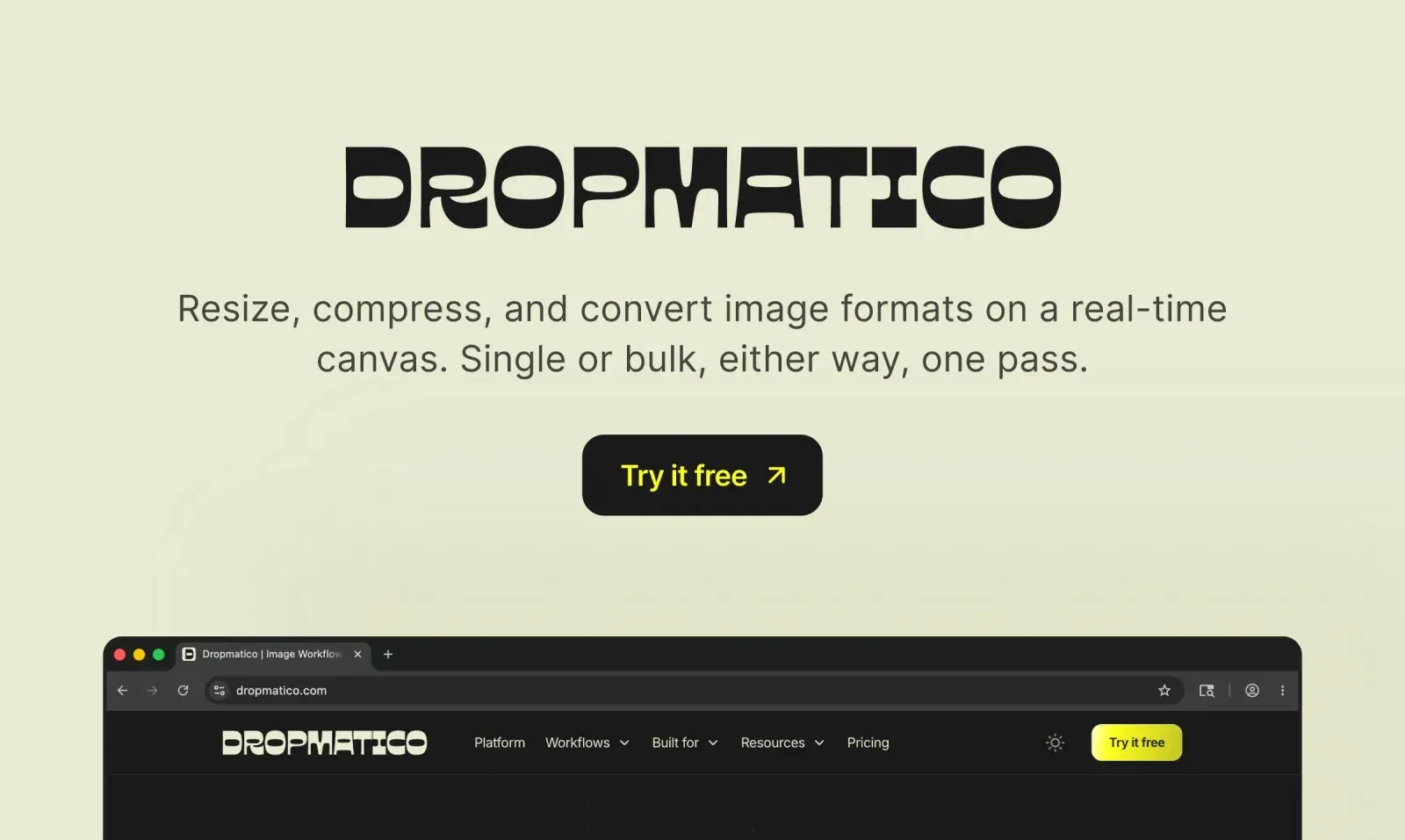


03The process
How I worked with AI
AI didn’t replace the decisions. It made it possible for one person to carry them out. Every feature went through the same loop.
Decide
Set the bar: what it must do, who it’s for, and what it must never do.
On this pageThe rule from the first version: your images never leave the browser
Brief
Give the tool the context, the constraints, and an example of good.
Review
Test the flows and check the details: the code, the copy, and the pixels.
On this pageThe export guardrail, and the other details I sweated
Ship and listen
Release it, then let real feedback choose the next loop.
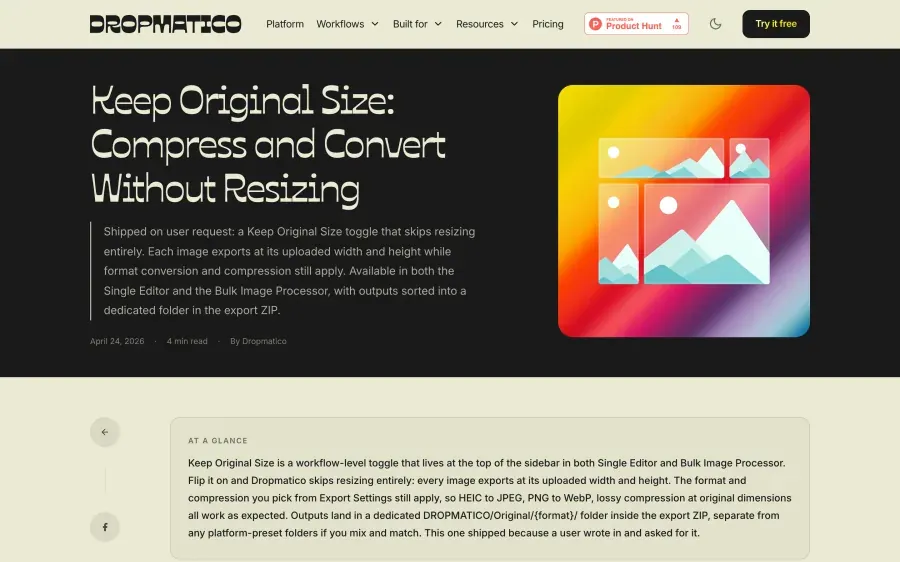
On this pageOne user’s email, shipped as Keep original size
My AI team
Four main tools, each with a clear job. One person making the calls.
Building
Claude Code
The code behind the editor, the export, and the website. I described the behavior and the edge cases, then reviewed every change before it shipped.
Thinking and writing
Claude
A sparring partner for structuring problems and weighing trade-offs, and a first draft for copy that I cut down to the product’s voice.
Operations
Claude Cowork
The file- and document-heavy work around the product, the kind that usually needs a team of its own.
Visuals
Figma Weave
Generated visuals, directed and selected by me, alongside other AI tools.
Product owner and editor
Me
- Taste
- Trade-offs
- The “no”
Deciding what to build, setting the bar, and reviewing every output before it shipped.
I owned the taste, the trade-offs, and the “no”. That last one mattered most.
04The product
One image, every platform – or every image, one platform
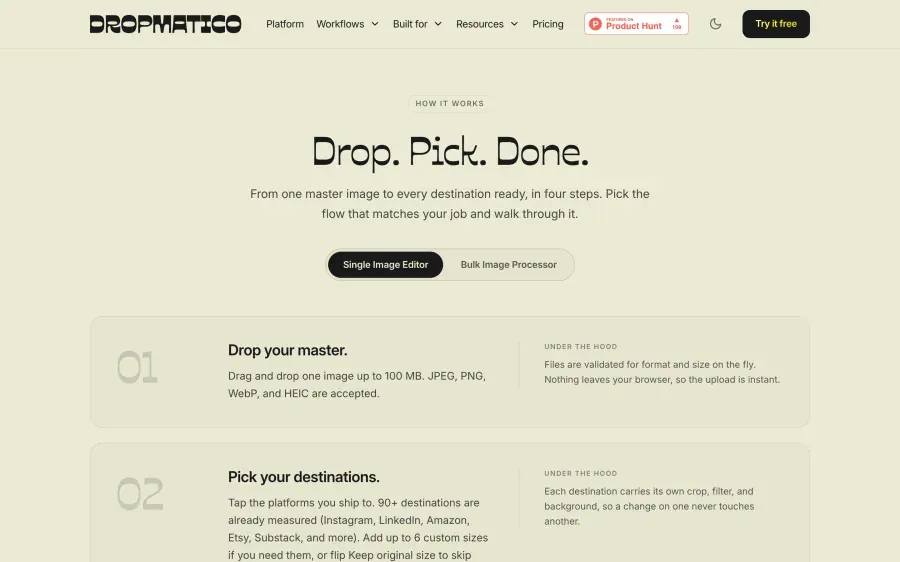
Two engines share one canvas. Pick the one that fits the job; either way it’s one pass to resize, compress, and convert.
One to many
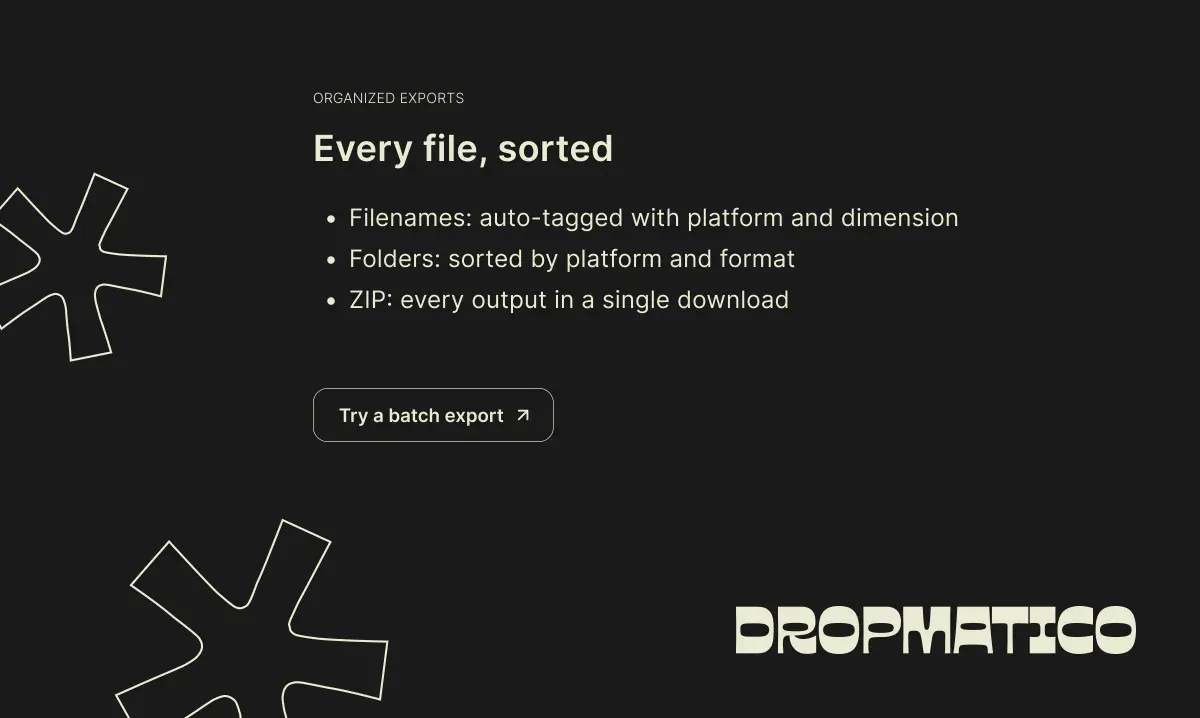
Drop one master and pick up to 16 destinations. Every output previews live inside its own platform frame and keeps its own crop, filter, rotation, and background. One ZIP comes back, sorted by platform and named by size.
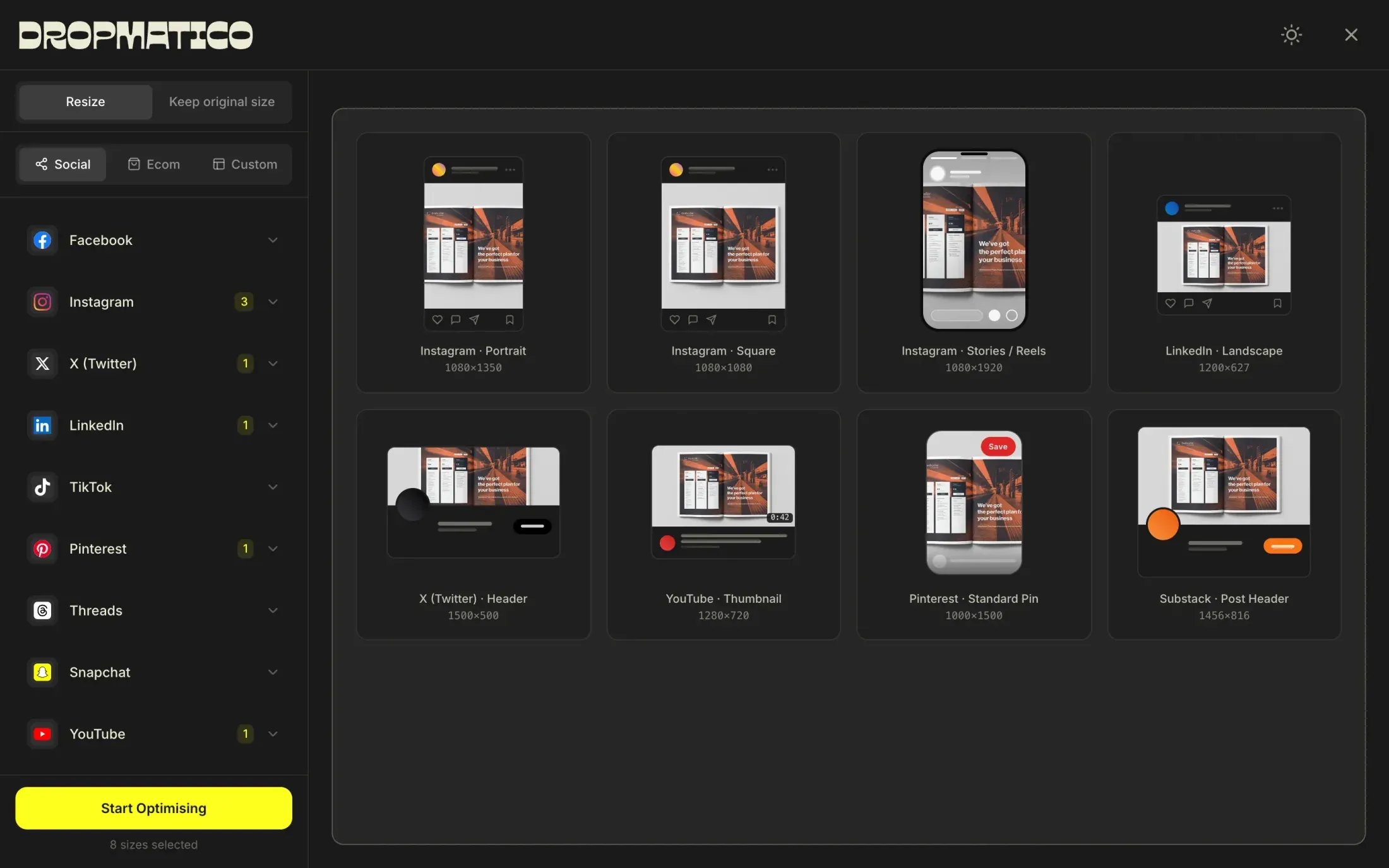
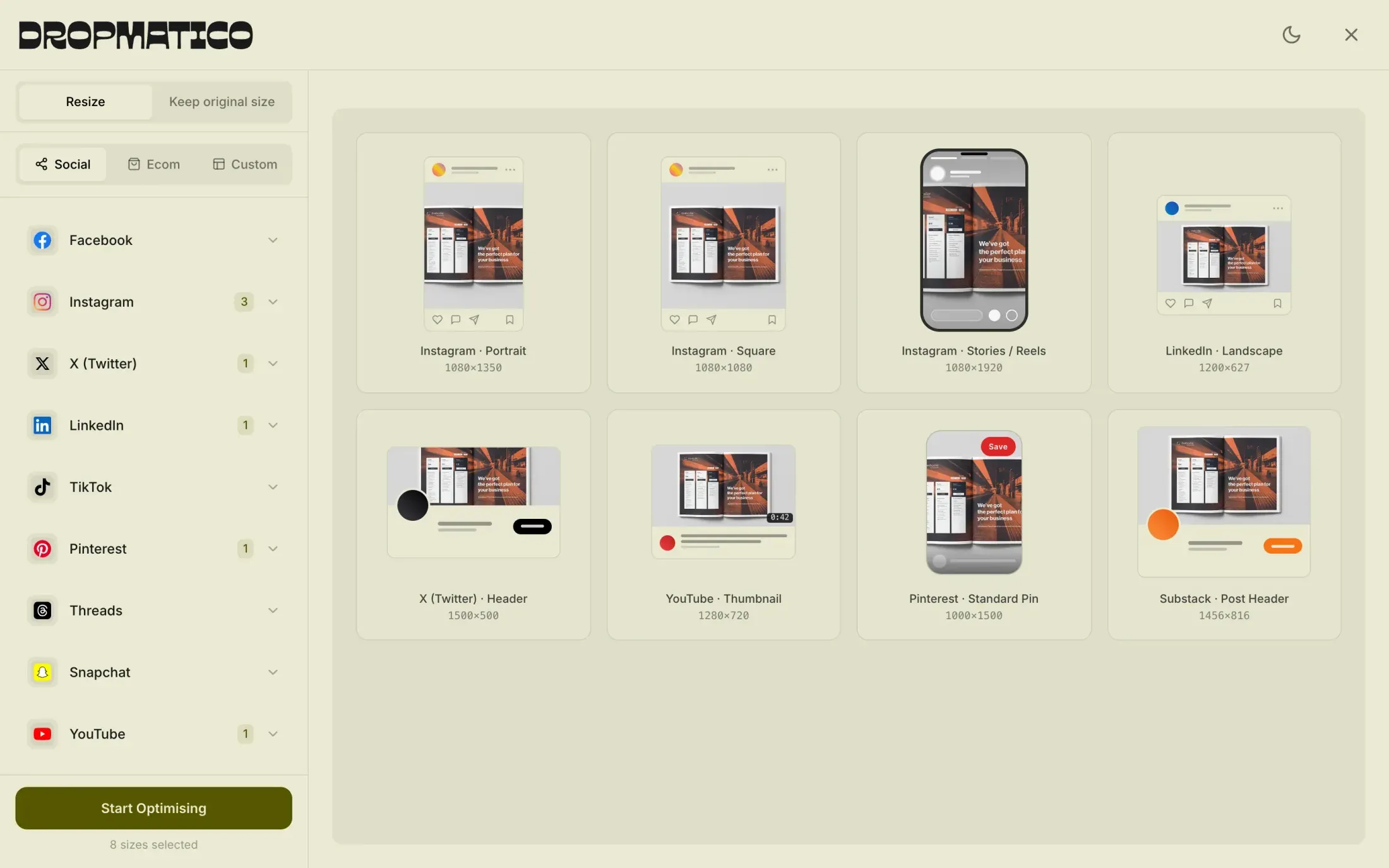
dropmatico-export.zip8 files
- DROPMATICO/
- Instagram/JPEG/
- instagram_portrait_
1080x1350.jpg - instagram_square_
1080x1080.jpg - instagram_stories_reels_
1080x1920.jpg
- instagram_portrait_
- LinkedIn/JPEG/
- linkedin_landscape_
1200x627.jpg
- linkedin_landscape_
- X_(Twitter)/JPEG/
- x_(twitter)_header_
1500x500.jpg
- x_(twitter)_header_
- YouTube/JPEG/
- youtube_thumbnail_
1280x720.jpg
- youtube_thumbnail_
- Pinterest/JPEG/
- pinterest_standard_pin_
1000x1500.jpg
- pinterest_standard_pin_
- Substack/JPEG/
- substack_post_header_
1456x816.jpg
- substack_post_header_
- Instagram/JPEG/
Every file at the exact pixel size of its preset.
Many to one
Drop up to 16 images and pick one destination. They all get the same treatment and come back in one ZIP, with their original file names kept.
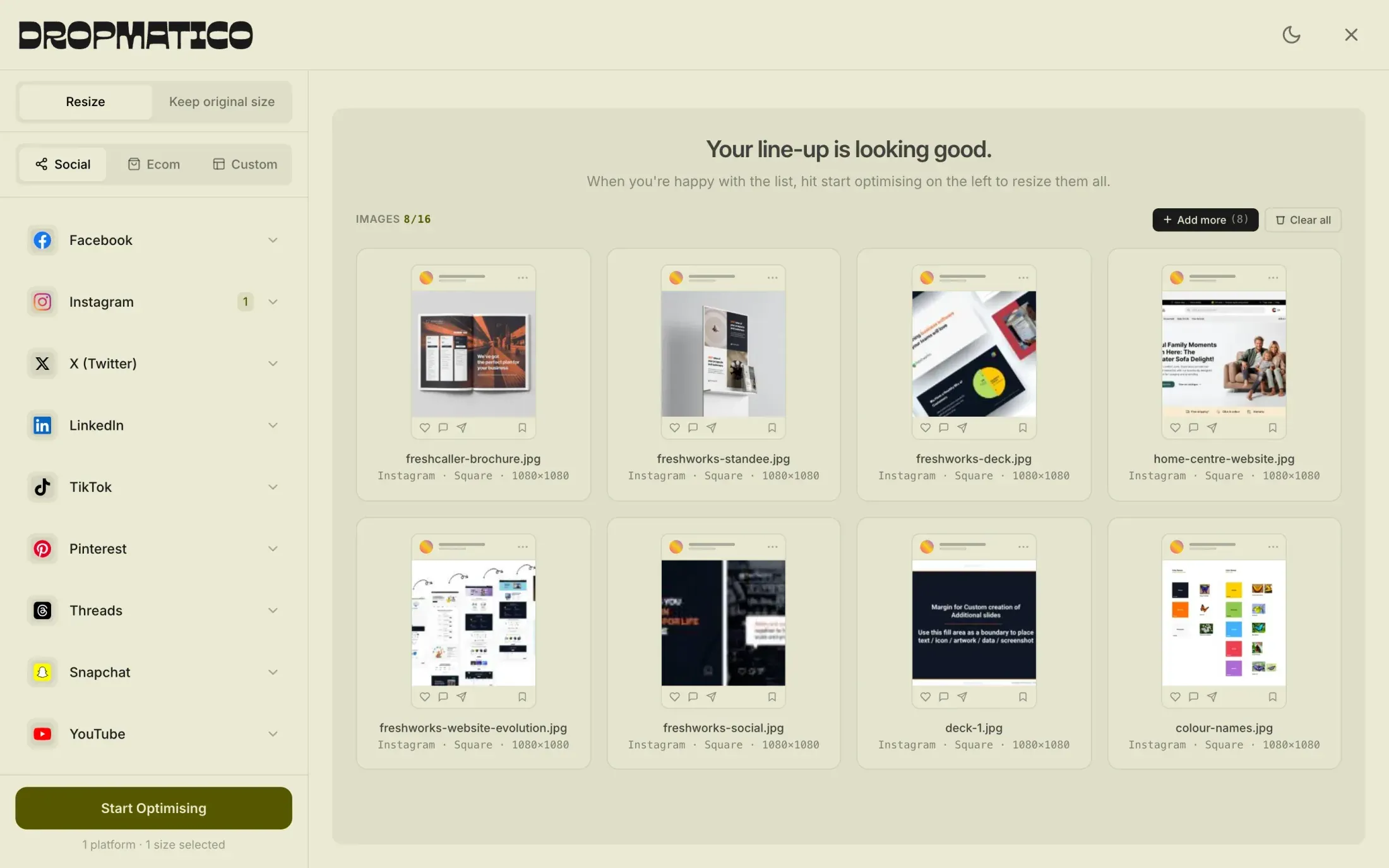
- Your file
- freshworks-standee.jpg
- In the ZIP
- DROPMATICO/Instagram/JPEG/
- freshworks-standee-instagram_square_1080x1080.jpg
- 16 outputs per master
- 16 images per batch
- 100MB per file
- 1×–5× export scale
- JPEG, PNG, WebP
- 10 filters
- 6 custom sizes
- Free today
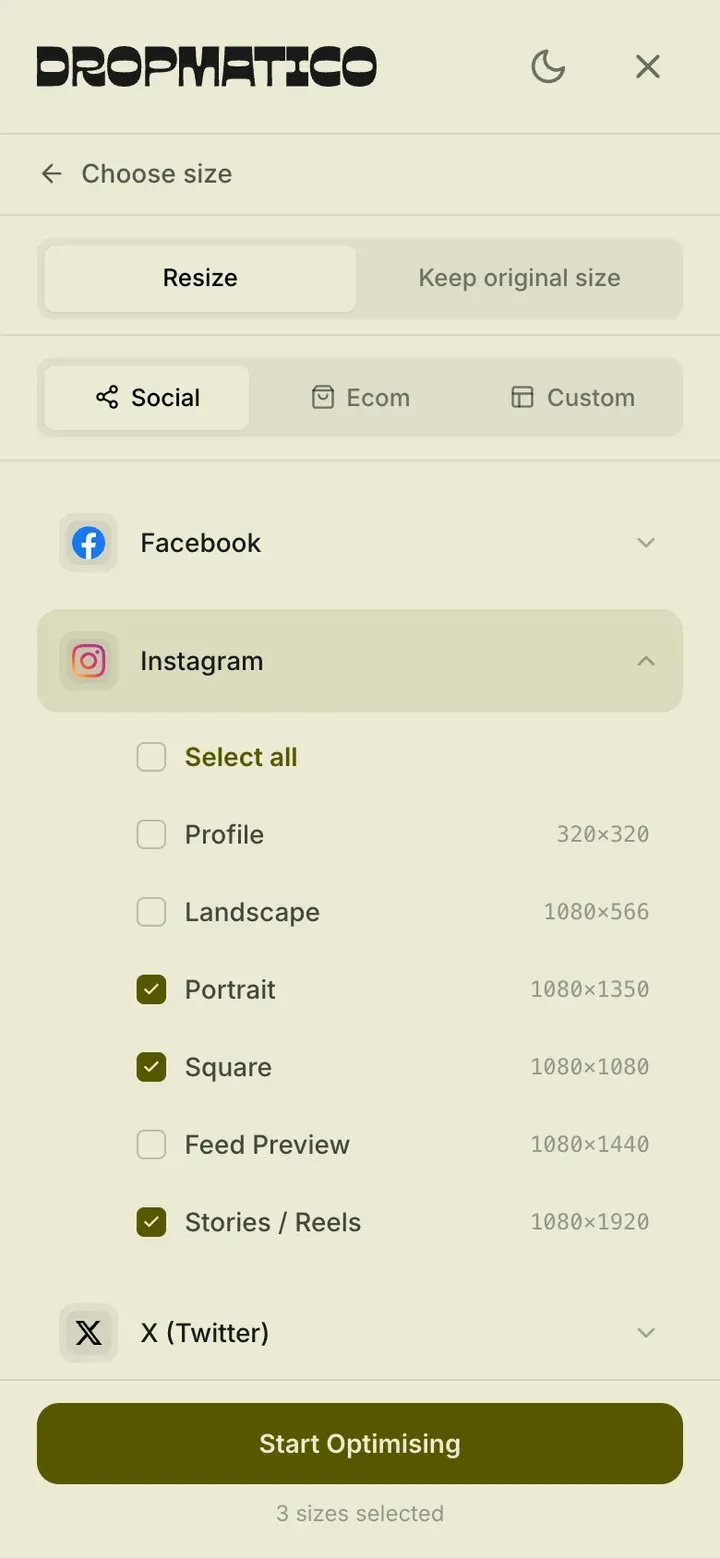
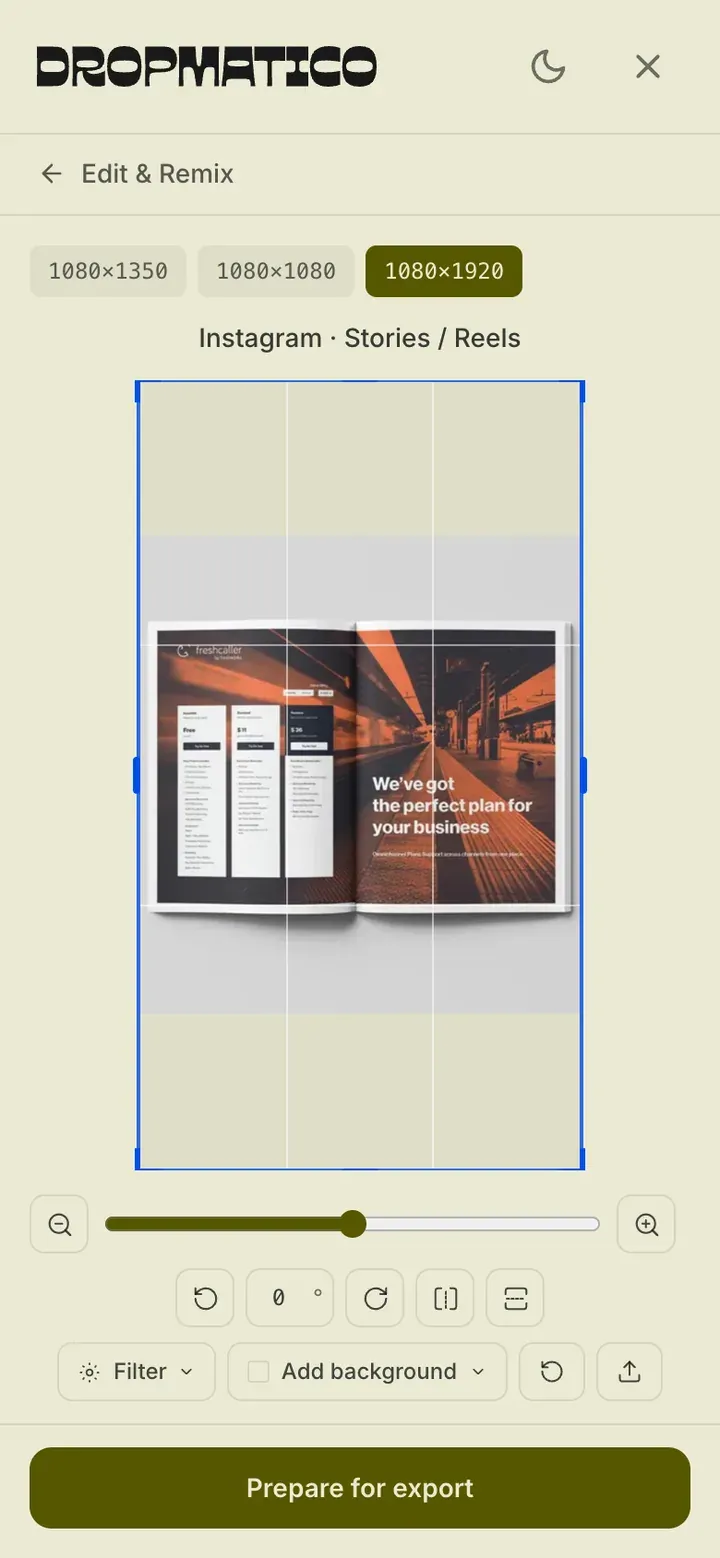
The same engine, in a phone’s browser
Choose sizes, edit and remix, then prepare the export, without installing anything.
05Craft
Details I sweated
Small decisions decide whether a tool feels trustworthy: what it asks, what it remembers, and what it never does.
A guardrail, not a wall
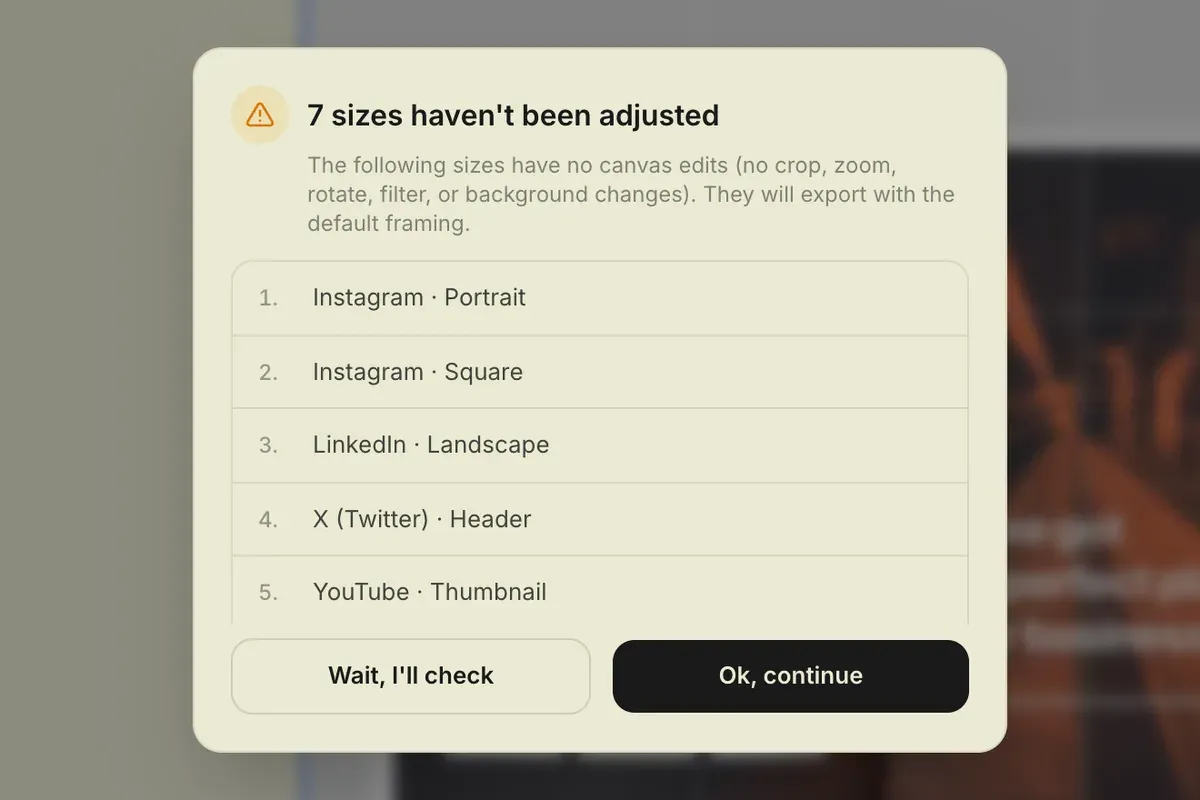
Export sizes you haven’t touched and Dropmatico asks first. The dialog names each size, says what will happen, and offers two plain choices: “Wait, I’ll check” or “Ok, continue.”
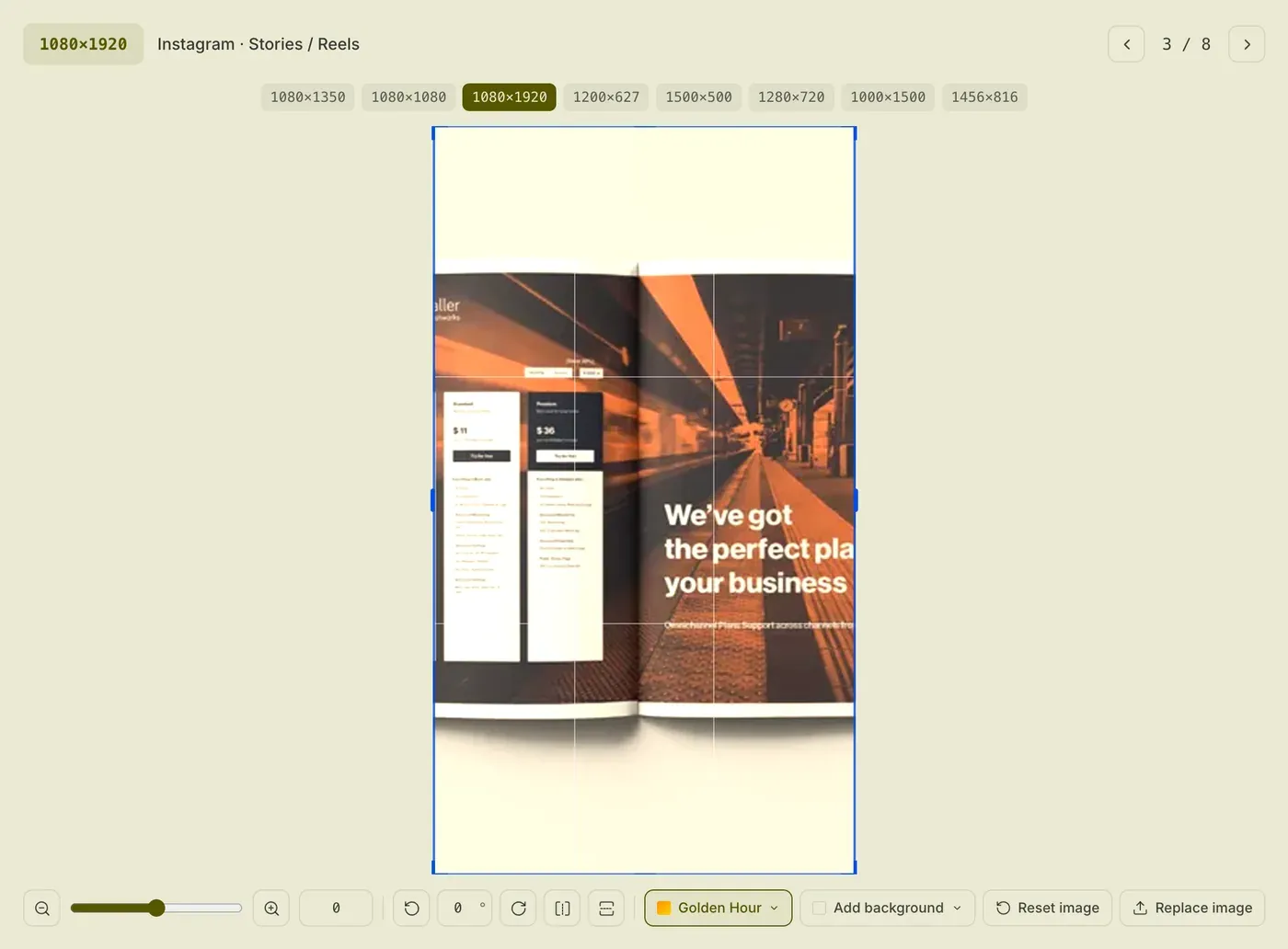
Every output keeps its own edits
Golden Hour on the story, untouched everywhere else. Each preset remembers its own crop, zoom, rotation, filter, and background.
The 10 filters
- Vivid
- Matte
- Noir
- Golden Hour (applied to the story)
- Arctic
- Velvet
- Fade
- Punch
- Dusk
- Crisp
Built from a user’s email
A user wrote in: their photos were already the right size and only needed a new format and compression. The toggle shipped 10 days after the email landed.
Read the release note (opens in a new tab)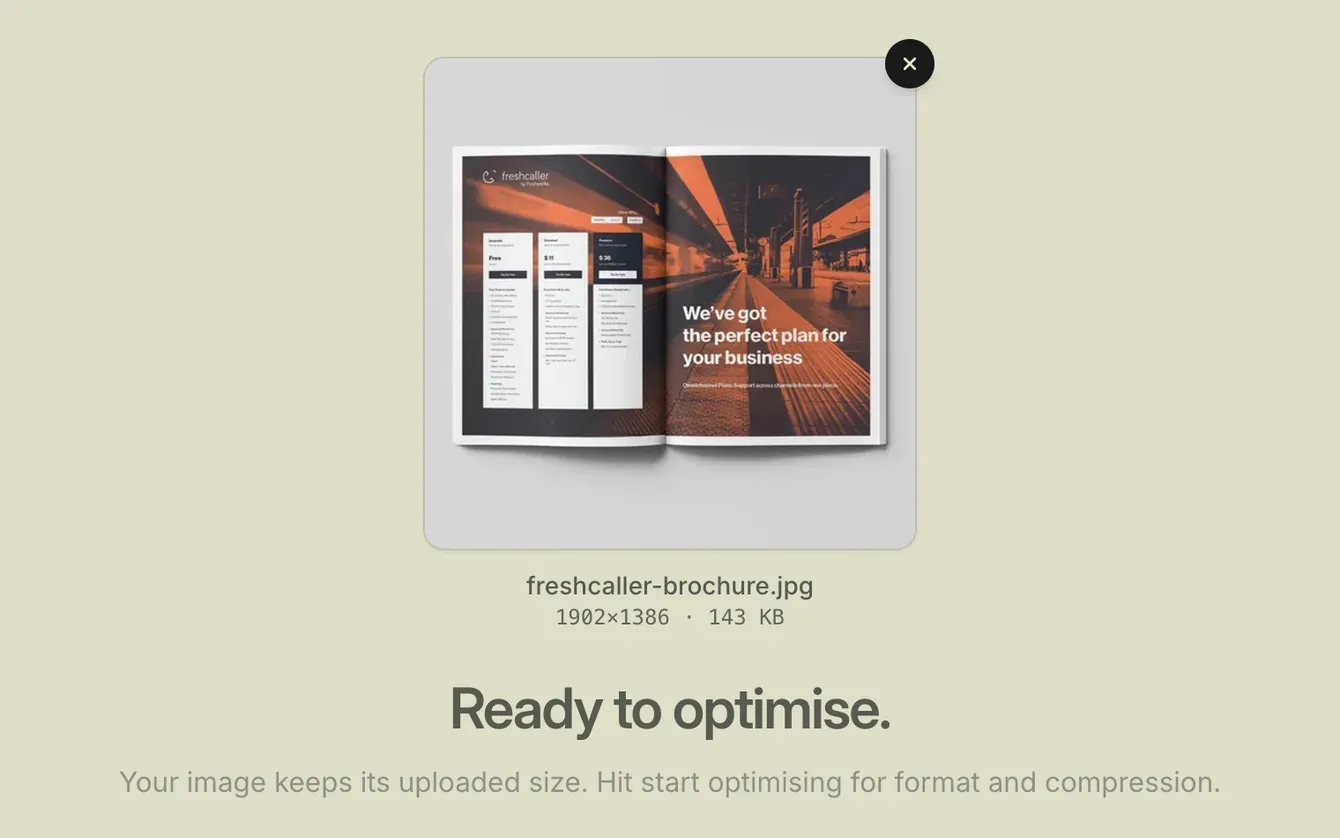

Dropmate, a helper that stays on your device
It matches your question by keyword and replies with answers I wrote. It runs entirely in the browser, with no backend, so your questions stay on your device.
Meet Dropmate (opens in a new tab)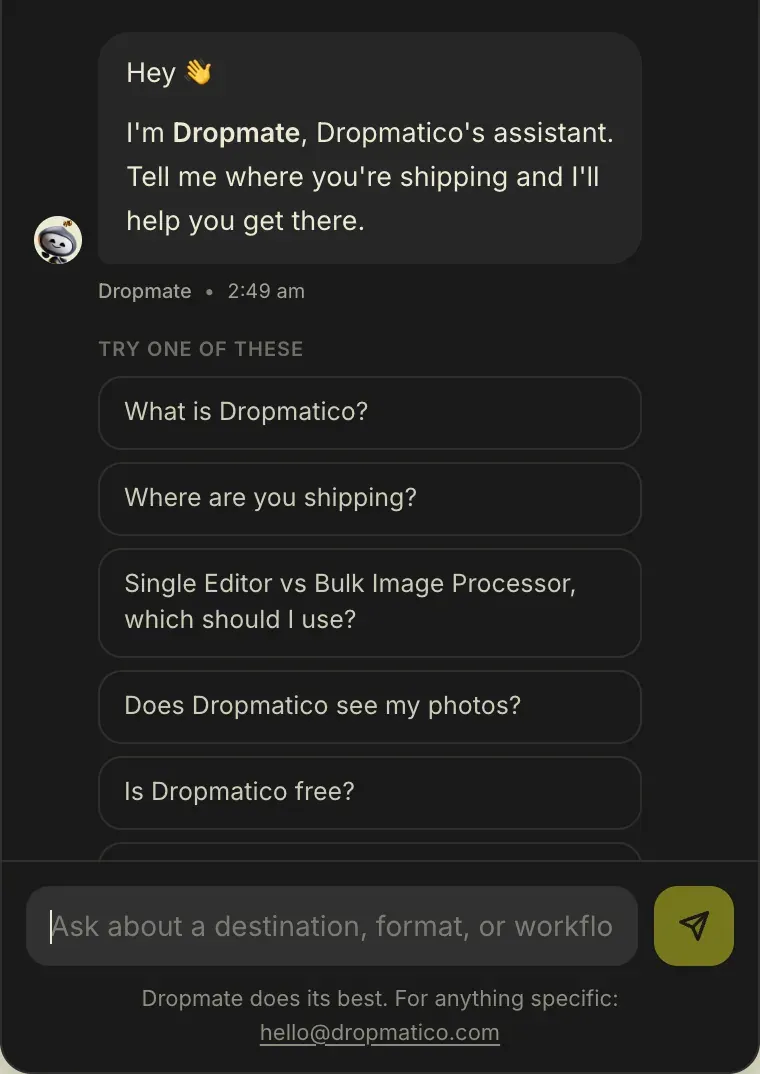
Privacy as architecture
Your files. Your machine. Your control.
Images are read, edited, compressed, and zipped inside your browser tab – Canvas, the File API, and WebAssembly for HEIC – then handed back as one download. No account and no image server, which is also why it can be free today.
Check it yourself
- Open DevTools and choose Network.
- Drop an image and export it.
- Look through the requests: none of them carries your image.
06Brand
A brand built from zero
A name needs a face. I built the system from scratch: a wordmark, a two-tone palette with one electric accent, a display face with a second voice, a mascot, and the rules that keep it consistent.
Wordmark
Clear space = D, the cap height


Wordmark and Dropmark: charcoal on light, cream on dark. Below 80px wide, the Dropmark replaces the wordmark.
Mascot
Dropmate, the mascot, also fronts the help assistant.

Palette
Cream
#EAEAD3
Page in light mode, type in dark mode
Charcoal
#1A1A1A
Text, buttons, and dark mode
Electric yellow
#FFFF1E
The accent in dark mode
Olive
#575700
The accent in light mode
Charcoal on cream: 14.3:1. Olive on cream: 6.2:1.
Type
Drop.
Pick.
Done.
- Ojuju 600 for headlines
- Ojuju 300 at 70% for the second voice
- Inter for everything else
The launch kit
Five gallery graphics, a launch video, and an interactive demo.
07Content and SEO
99 pages that do the explaining
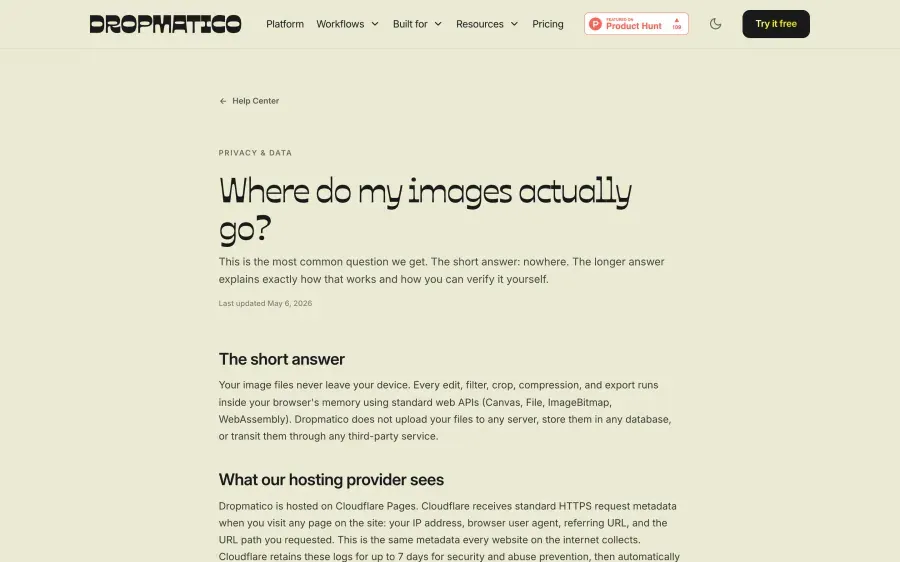
A tool nobody can find doesn’t get used. So the site answers the questions people search for, and the ones they ask AI assistants: guides, comparisons, help articles, and pages for each kind of user.
- URLs in the sitemap
- 99
- Blog posts
- 17
- Help articles
- 17
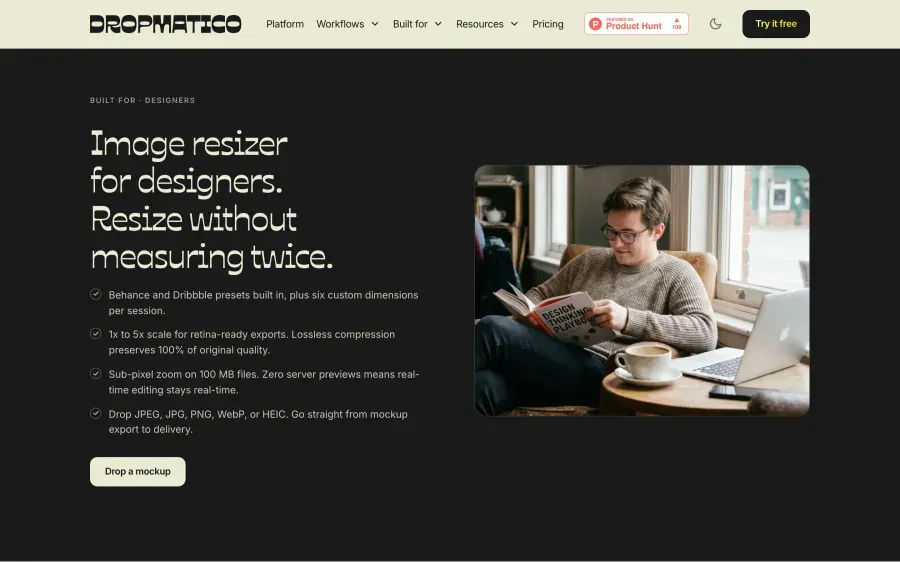
- “Built for” pages, one per kind of user
- 23
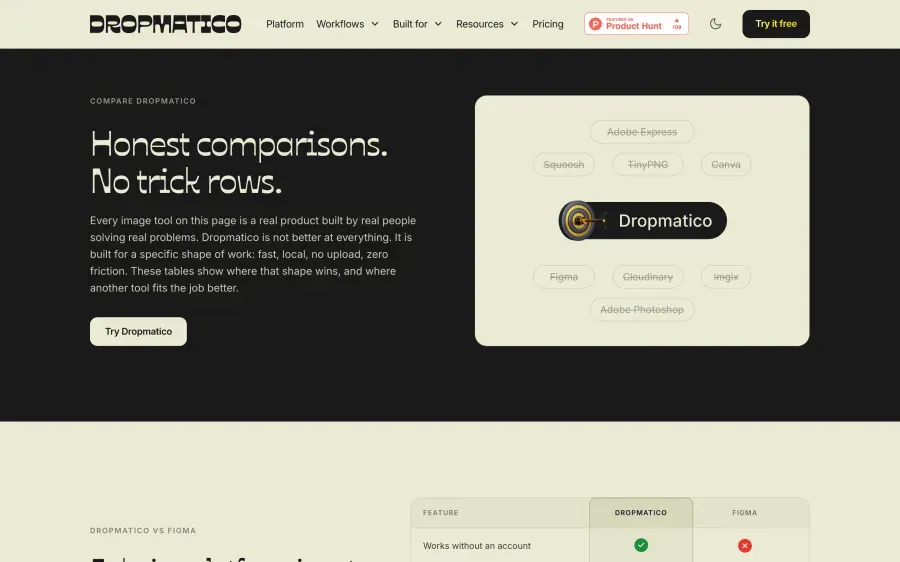
- Head-to-head comparisons
- 20
Built for search and AI answers
- Structured data on every page type
- Prerendered HTML for every route
- An llms.txt file and AI crawlers welcomed by name
Allowed by name in robots.txt
- GPTBot
- ChatGPT-User
- OAI-SearchBot
- ClaudeBot
- anthropic-ai
- Claude-Web
- PerplexityBot
- Google-Extended
- CCBot
- Applebot-Extended
- Amazonbot
- Bytespider
# … Blocking AI crawlers blocks
# recommendations. …
…
# OpenAI (ChatGPT)
User-agent: GPTBot
Allow: /
…
# Anthropic (Claude)
User-agent: ClaudeBot
Allow: /
…
# Perplexity
User-agent: PerplexityBot
Allow: /08Launch
Launched with no paid promotion
I announced Dropmatico on LinkedIn on 22 May 2026, then launched it on Product Hunt on 15 June. Here’s the run-up, the receipts, and what people said.
Road to launch
Public, dated milestones, from the first blog post to launch day.
First post on The Drop Feed, the Dropmatico blog
Keep original size ships, built from a user’s email
Dropmate, the on-device help assistant, ships
robots.txt welcomes AI crawlers by name
LinkedIn announcement
Product Hunt launch: #15 Day Rank
Product Hunt, 15 June 2026
The listing, and Product Hunt’s own stats for the launch
- Design Tools
- Productivity
- E-Commerce
- Free
LinkedIn announcement, 22 May 2026
The post’s numbers, as LinkedIn shows them
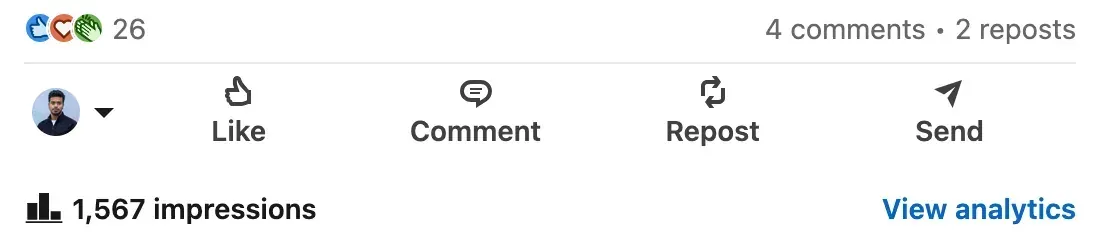
- Reactions
- 26
- Comments
- 4
- Reposts
- 2
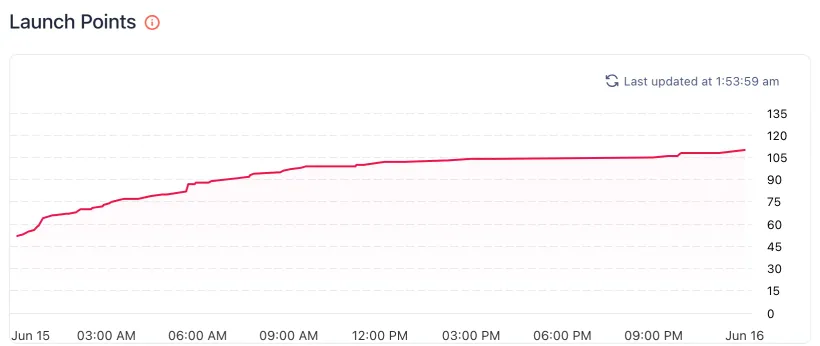
Points through launch day
Running total on 15 June 2026, Pacific time
Use the left and right arrow keys to read each value. The data is also in the table below.
Points climbed from 52 in the first minutes to 110 by midnight, Pacific time.
Show the dataHide the data
| Time (PDT) | Points |
|---|---|
| About 12:04 AM | 52 |
| About 12:16 AM | 53 |
| About 12:26 AM | 55 |
| About 12:38 AM | 56 |
| About 12:47 AM | 59 |
| About 12:56 AM | 64 |
| About 1:12 AM | 66 |
| About 2:00 AM | 68 |
| About 2:10 AM | 70 |
| About 2:30 AM | 70 |
| About 2:35 AM | 71 |
| About 2:52 AM | 72 |
| About 2:57 AM | 73 |
| About 3:10 AM | 75 |
| About 3:32 AM | 77 |
| About 4:04 AM | 77 |
| About 4:33 AM | 79 |
| About 5:02 AM | 80 |
| About 5:34 AM | 82 |
| About 5:37 AM | 82 |
| About 5:44 AM | 87 |
| About 5:53 AM | 87 |
| About 5:58 AM | 88 |
| About 6:22 AM | 88 |
| About 6:28 AM | 89 |
| About 7:40 AM | 92 |
| About 7:47 AM | 94 |
| About 7:53 AM | 94 |
| About 8:43 AM | 95 |
| About 8:50 AM | 96 |
| About 9:24 AM | 98 |
| About 9:33 AM | 99 |
| About 11:11 AM | 99 |
| About 11:16 AM | 100 |
| About 11:29 AM | 100 |
| About 12:06 PM | 102 |
| About 1:51 PM | 103 |
| About 2:54 PM | 104 |
| About 9:00 PM | 105 |
| About 9:25 PM | 106 |
| About 9:47 PM | 106 |
| About 9:56 PM | 108 |
| About 11:11 PM | 108 |
| Midnight | 110 |
 (opens in a new tab)
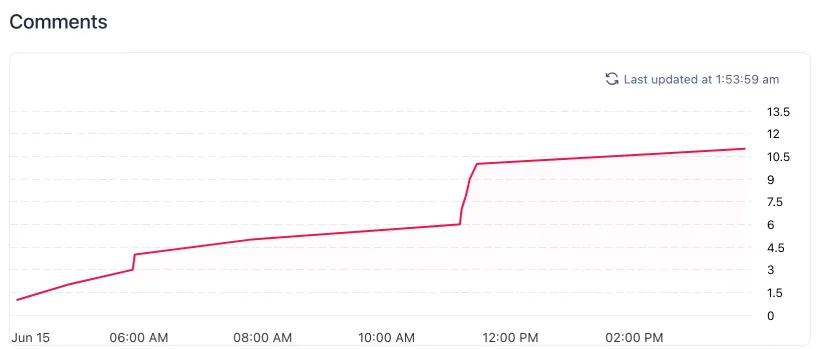
Comments on launch day
- Community comment
- My reply
Use the left and right arrow keys to read each value. The data is also in the table below.
11 comments on launch day: 6 from the community and my 5 replies, sent between 11:11 and 11:27 AM.
14 comments in total; 11 on launch day.
Show the dataHide the data
| Time (PDT) | From | Comments so far |
|---|---|---|
| 4:02 AM | Community comment | 1 |
| 4:50 AM | Community comment | 2 |
| 5:54 AM | Community comment | 3 |
| 5:56 AM | Community comment | 4 |
| 7:49 AM | Community comment | 5 |
| 11:11 AM | My reply | 6 |
| 11:12 AM | My reply | 7 |
| 11:17 AM | My reply | 8 |
| 11:20 AM | My reply | 9 |
| 11:27 AM | My reply | 10 |
| 3:46 PM | Community comment | 11 |
 (opens in a new tab)
Source: Product Hunt. Points redrawn from my launch-analytics screenshot; comment times from the listing. Times are PDT.
What people said on launch day
Comments from the launch, word for word.
09What’s next
What I learned, and what’s next
The bottleneck moved from building to judging
When one person can ship this much, the scarce thing is judgment: deciding what good looks like, and checking everything against it.
Users are the fastest loop
One email from a user became the Keep original size toggle. The next loop started from real feedback, not a guess.
Distribution is part of the product
I gave content, SEO, and the launch the same care as the product: 99 pages written to be found, one announcement, and my own replies on launch day.
Next: Dropmatico inside AI workflows
Launch-day comments asked for an agent plugin, so Dropmatico could work inside an AI workflow. It’s on the list, not built.
…I would want my Claude Cowork to be able to access the plugin so I don’t have to convert files…

Your next image is one drop away.
Free today. No account, no upload.